
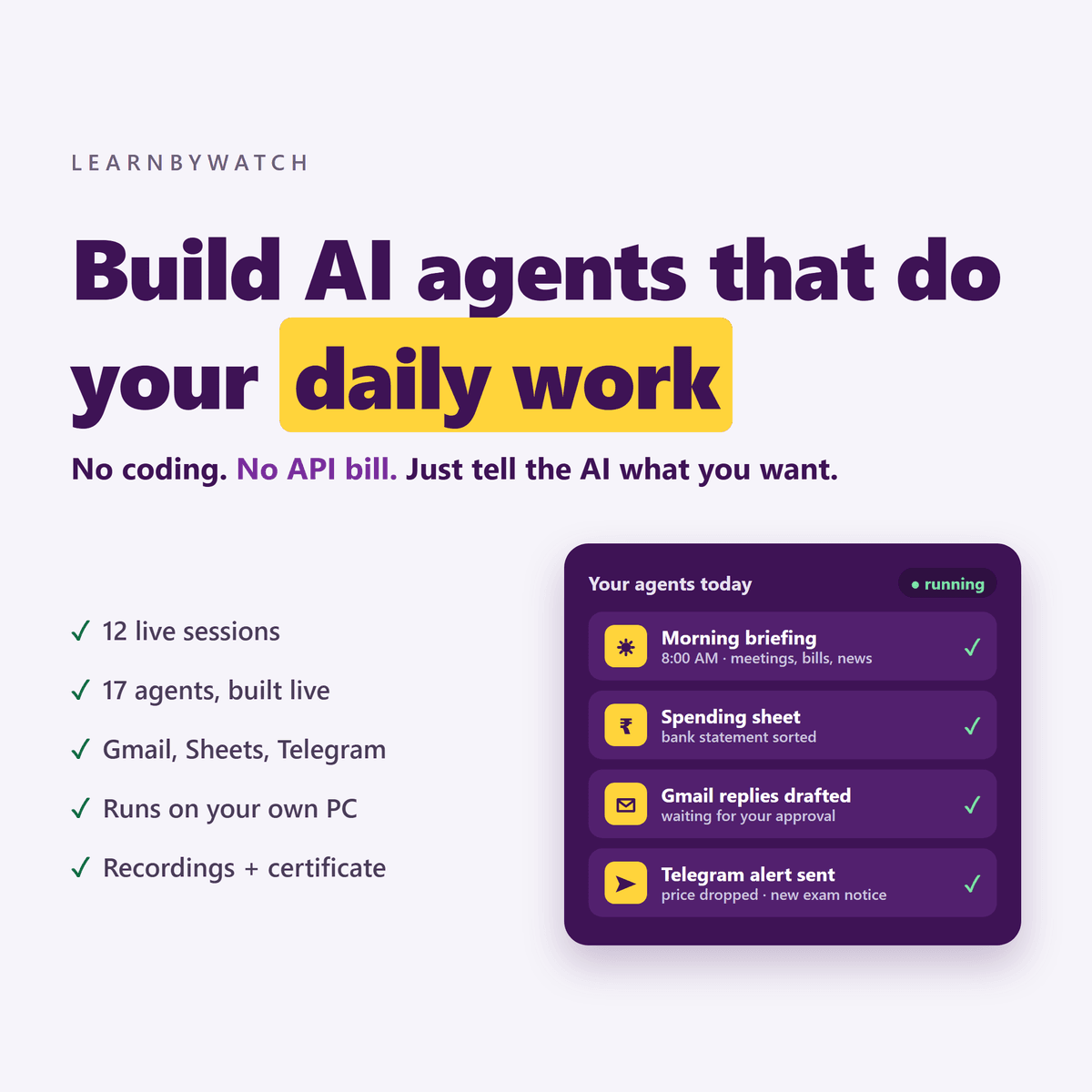
Build AI agents that do your daily work
You already use AI every day. You copy something into ChatGPT, copy the answer back, and do it again tomorrow. The AI is smart — but it waits for you.
An agent doesn’t wait. It does the job on its own, every day.
In this live course you build your own AI agents on your own PC. You never write code — you tell an AI coding agent (Claude Code or the free Gemini CLI) what you want in plain words, and it builds, tests and fixes everything while you watch.
Why this course is different
- No coding. You give instructions; the AI writes the code.
- No API bill. Your agents run on the AI plan you already have — or a completely free one. Every exercise works on the free option.
- Real daily work. Bills, emails, files, spreadsheets, alerts — the tasks that eat your week.
- Safe by design. Agents draft, you approve. Nothing goes out without your yes.
Agents you’ll build
- Bank statement → monthly spending sheet
- Bill and receipt extractor → Google Sheets
- Daily 8 AM morning briefing with your meetings, bills and news
- Gmail sorter and reply drafter
- Price and website watcher with Telegram alerts
- Document summarizer with action items
- Customer message reply drafter
- Social media post writer with approval
- Downloads folder organizer, file helper, health-check agent and more
- Plus one agent built for your own work — your capstone
Session by session
- What an AI agent really is — the parts of an agent, workflow vs agent, choosing the task you’ll automate.
- Setting up your AI coding agent — install Claude Code or Gemini CLI, terminal basics. Build: file helper.
- How to direct a coding agent — clear instructions, planning, reviewing and undoing changes. Build: Downloads folder organizer.
- Giving your agent a brain — AI working in the background. Build: document summarizer.
- Reliable, structured results — style guides, tables, batch processing. Build: bill extractor and bank statement → spending sheet.
- Tools, permissions and safety — allowing only what’s needed, a live prompt-injection demo. Build: customer reply drafter.
- Making your agent run by itself — schedules, logs, auto-start, staying within plan limits. Build: 8 AM morning briefing.
- Your control panel and approvals — a personal dashboard on your PC. Build: social media post writer.
- Connecting Gmail, Sheets, Calendar and YouTube — Google setup, click by click. Build: Gmail sorter, Sheets logger, calendar-aware briefing.
- Triggers and alerts — agents that react to events. Build: Telegram alerts and price watcher.
- When things break — reading logs, getting the AI to fix problems, backups. Build: health-check agent.
- Capstone demos and what’s next — present your own agent; when to move to the API.
Who it’s for
- Teachers — chapters into quizzes, student emails into draft answers.
- Shop and small business owners — bills into stock sheets, daily sales summaries.
- Freelancers — briefs into proposals, invoice follow-ups, lead alerts.
- Office professionals — meeting notes into minutes, morning priority briefs.
- Students and job seekers — lecture PDFs into notes, exam and job-notice watchers.
- Content creators — scripts into titles and tags, comment replies drafted for approval.
What you need
- A Windows or Mac laptop with internet
- A Claude plan (Claude Code) or a free Google account (Gemini CLI)
- A Gmail account and a Telegram account
No coding experience. No API keys. No server.
What’s included
- 12 live sessions of 1 hr 15 min (60 min live building + 15 min Q&A)
- Recording of every session
- Prompt pack — the exact instructions used in each session
- Ready project folder after every session, so you never fall behind
- Pre-course setup clinic
- Certificate on completing your capstone agent
Schedule
Starts: 24 October 2026
Sessions: 12 Sessions
Time: 7:00 PM to 8:15 PM IST
Platform: Zoom
About the instructor
Dr. Yogendra Pal — B.Tech (CSE), M.Tech (CSE), PhD from IIT Bombay. 17+ years in software development and teaching. He builds every agent live in the sessions and answers your questions himself.
Frequently asked questions
I have never written code. Can I do this?
Yes. You never write code — you instruct the AI coding agent in plain words, and we build every agent together, live.
Do I have to pay for Claude or any API?
No API at all. A Claude plan works well, but every exercise also works with the free Gemini CLI.
What if I miss a session?
You get the recording, the prompt pack and a ready project folder for that session.
Is my data safe?
Your agents and files stay on your own PC. The text an agent works on is sent to the AI service you choose — the same as when you use it yourself.
Will my agents send emails or messages on their own?
Only if you allow it. In this course, agents draft and you approve before anything goes out.
Can I sell agents I build to clients?
AI plans are meant for your own work. Agents that serve other people need paid API keys — Session 12 shows you when and how to switch.


Reviews
There are no reviews yet.